
MASCOZ goes beyond basic appearance changes, offering an advanced customization system that lets you fine-tune facial proportions, skin tone, hair, outfits, and accessories—down to the smallest details.
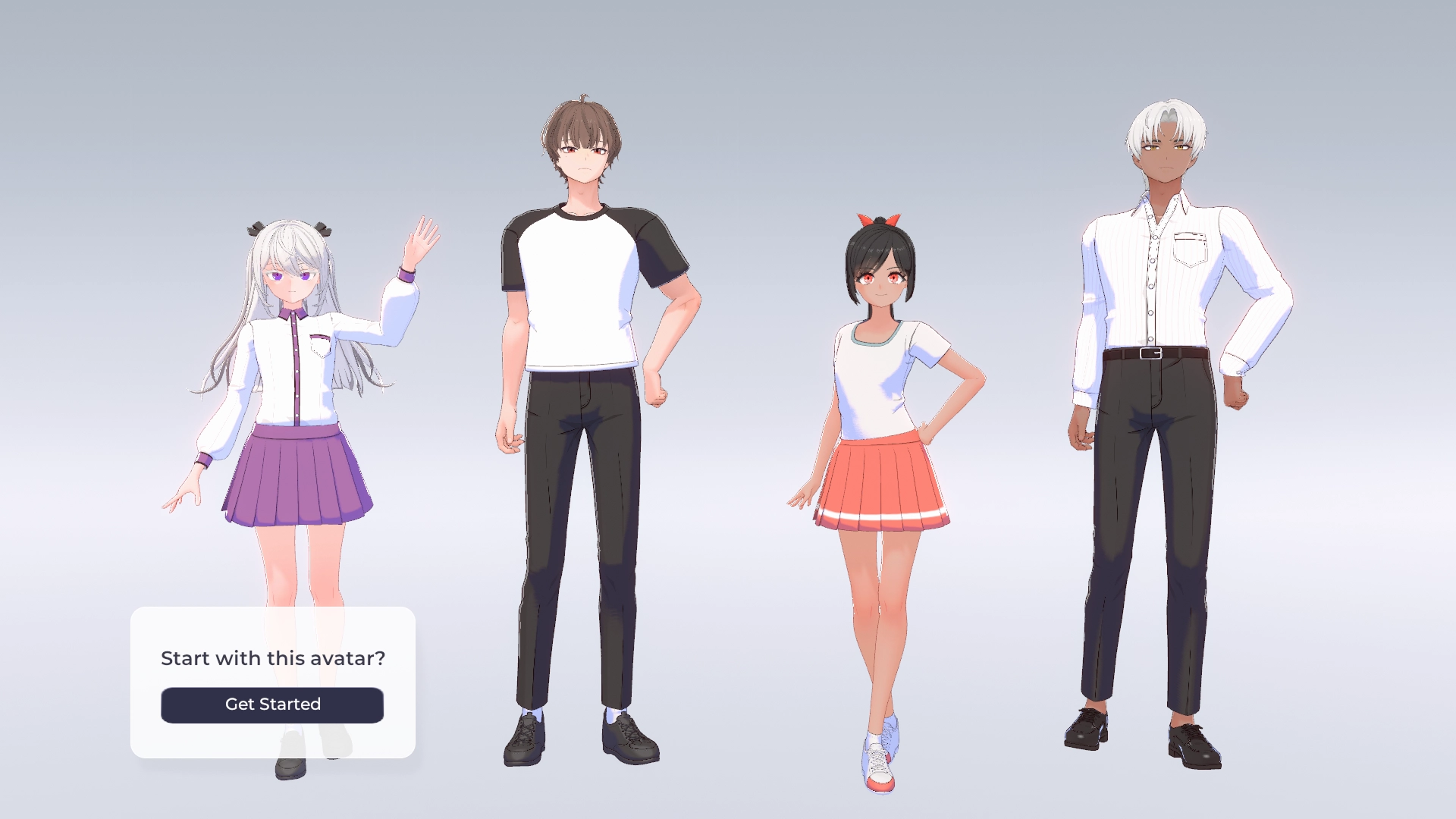
Choose an Avatar
Start by picking a sample you like from the tutorial. It’s easy for anyone to get started.
Adjust the Face
This is the most important step in shaping your avatar’s overall impression. Refine the face shape and tweak details like eyebrows and teeth. With precise controls, you can fully express your unique style.

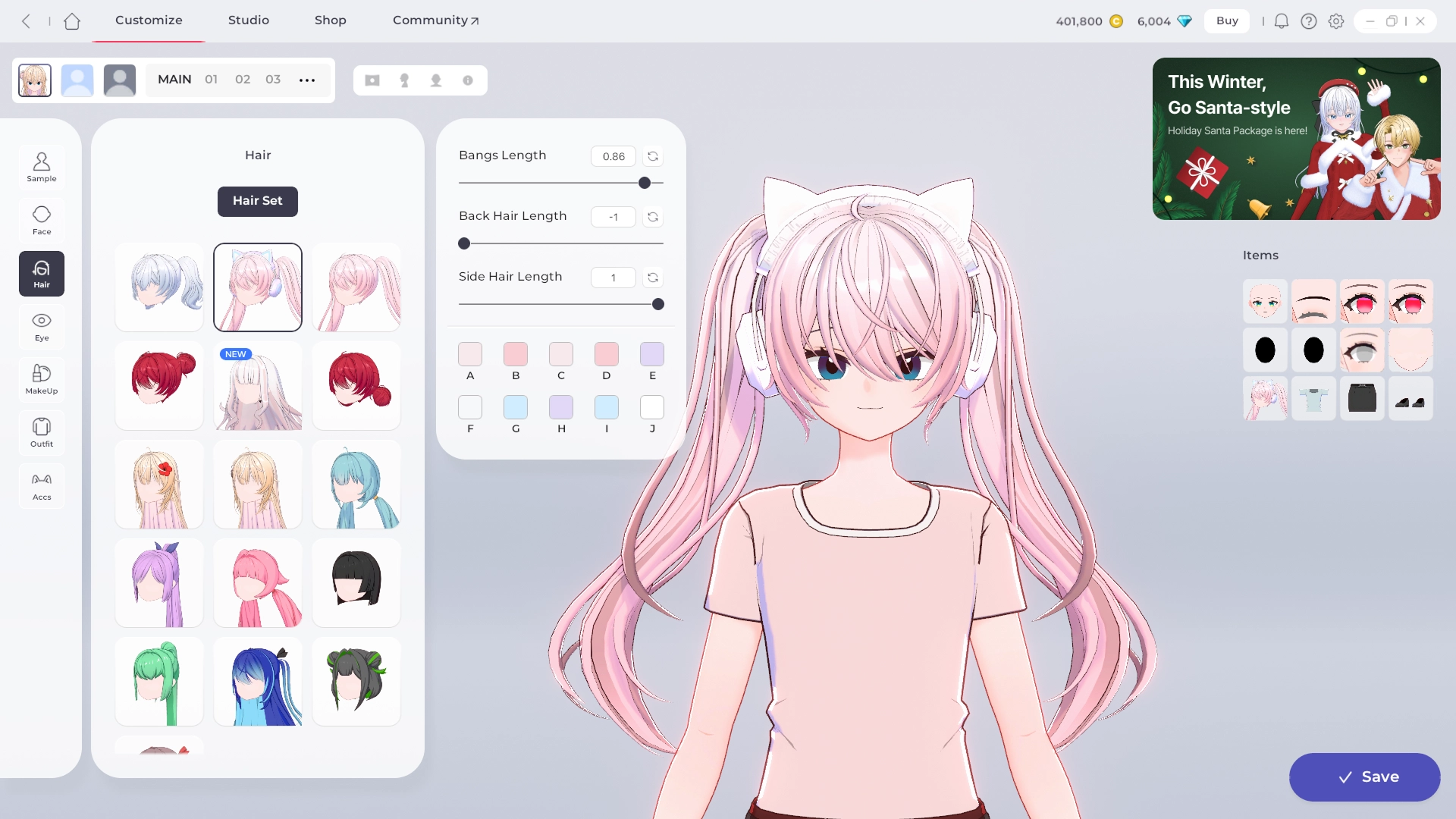
Pick a Hairstyle
Choose from a wide range of hairstyles to find the one that fits your concept best.
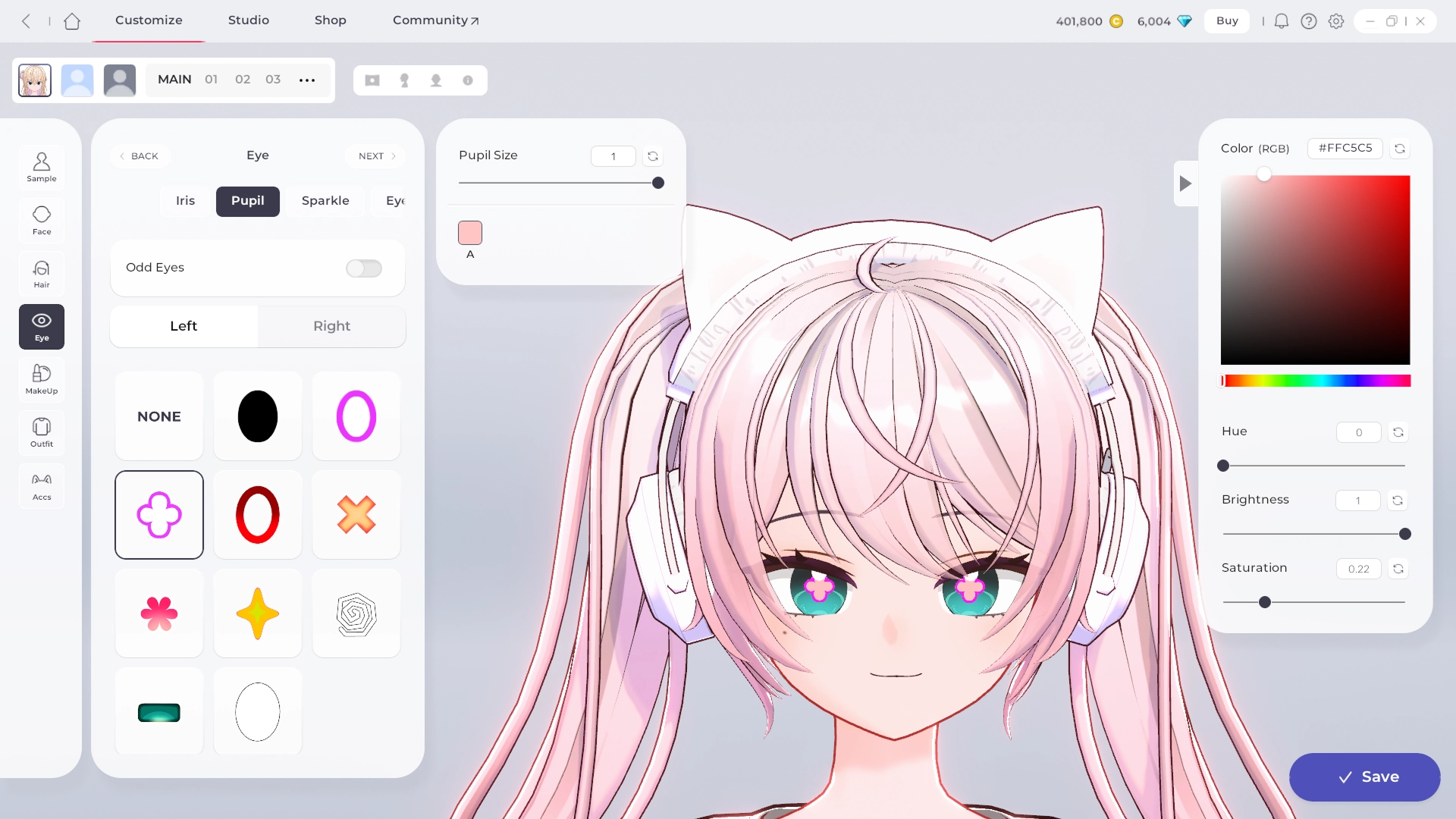
Choose the Eyes
The eyes bring an avatar to life. Add vibrancy with iris color, pupils, and highlights.
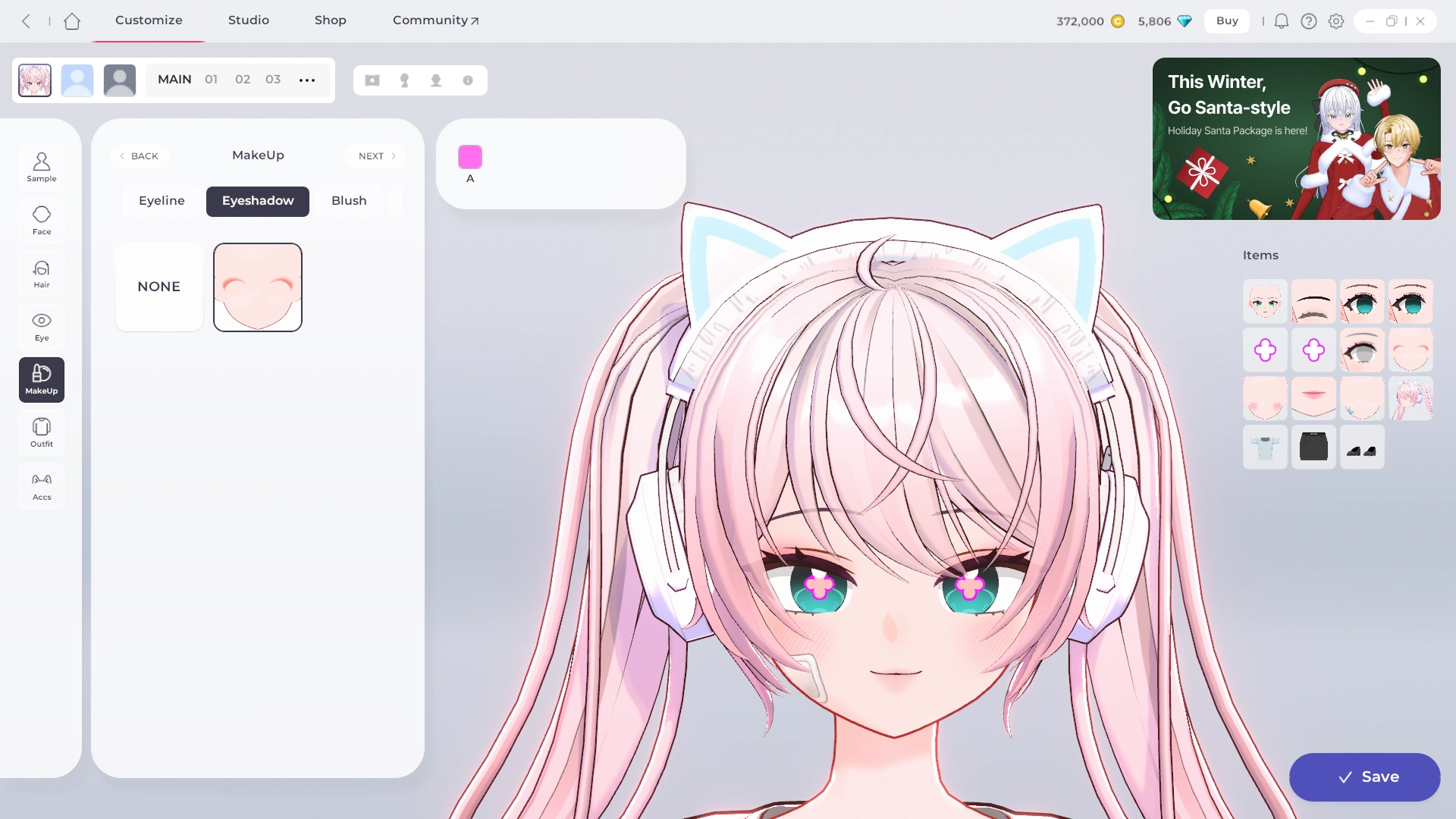
Apply Makeup
Change the mood with different makeup options—eyeliner, eyeshadow, lipstick, and more. Go soft, bold, or glamorous—it’s up to you.
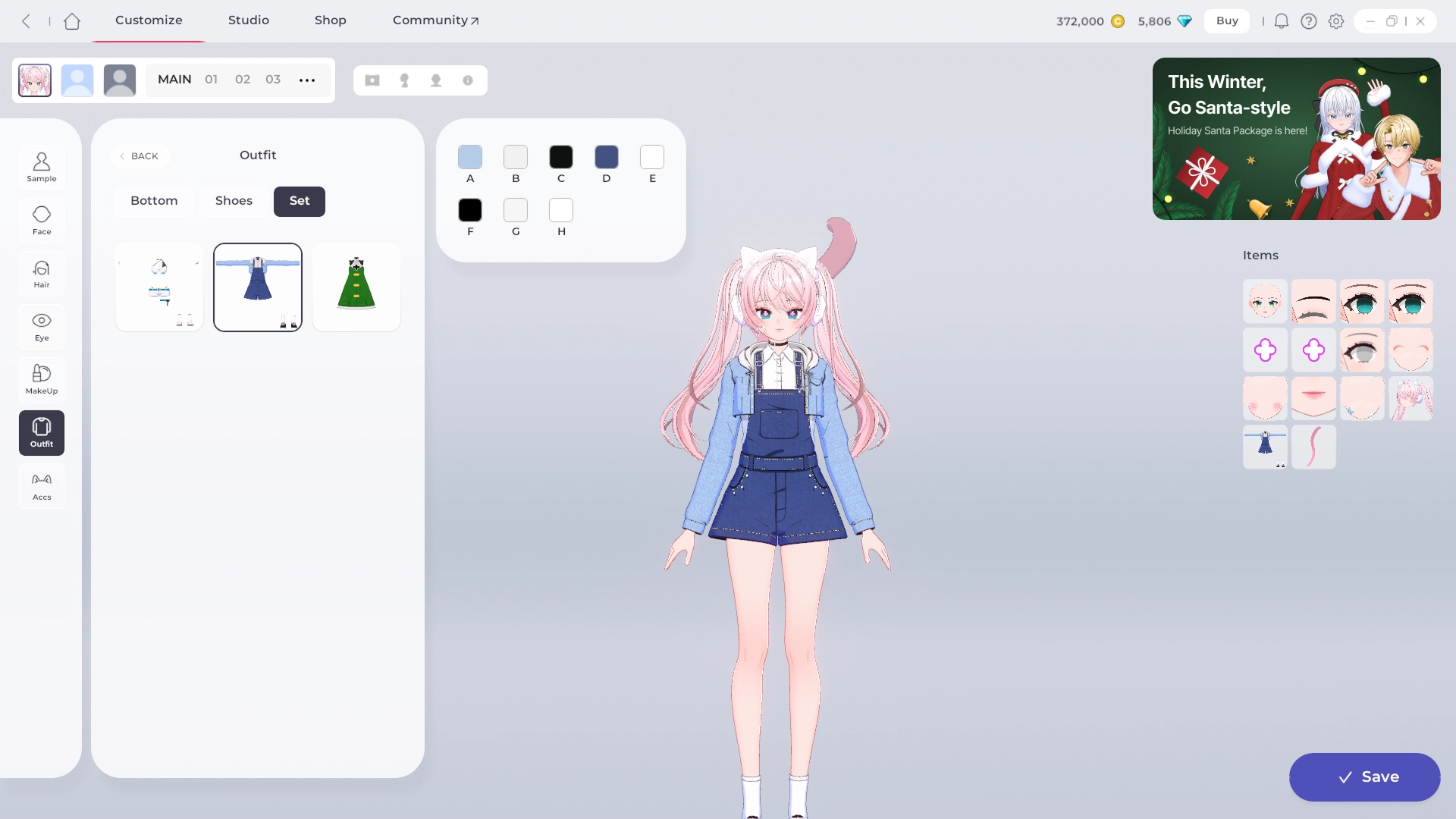
Select Outfits & Accessories
Finish your look with clothing, accessories, and hair ornaments. Save your changes, and your one-of-a-kind avatar is complete!

TIP: Get Inspired by the Community
If you’re feeling stuck, check out other users’ avatars for inspiration—from beautiful styles to unique concepts
•
MASCOZ Official Discord: Click Here
•
MASCOZ Community: Click Here